Pocket Pilots Tools & Quality-of-Life
Pilots Club, jumps, liveries, and choosing a home airport that feeds your fleet.
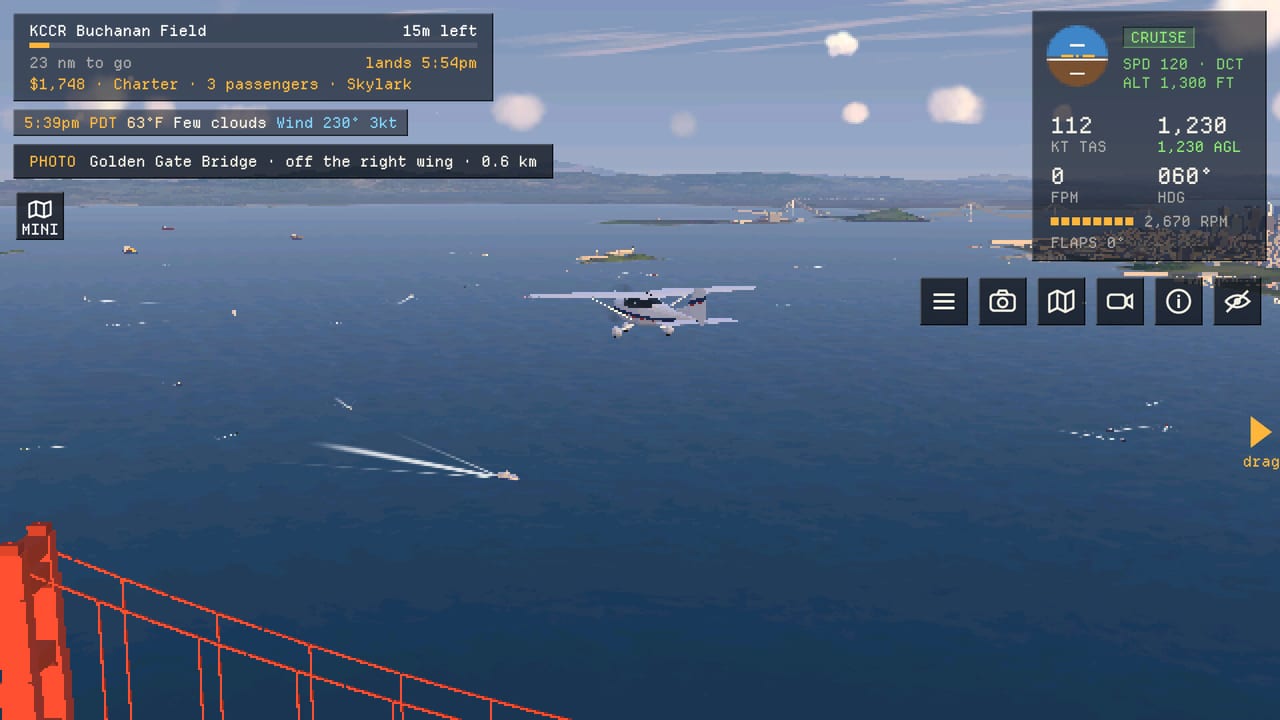
Pocket Pilots is free to play, but a few optional systems change how fast you reposition and how personal your fleet looks. This Tools hub gathers practical explainers—not cheat scripts—for quality-of-life decisions: whether Pilots Club and jumps are worth it for your style, and how to pick a home airport that matches bush planes, jets, or helicopters. Come here when you are about to spend money or restart a career on a prettier map tile.
Pages in this hub
- Pilots Club — subscription value, jumps (you + plane anywhere), liveries, and F2P alternatives.
- Airport Picker — San Diego, Queenstown, Alps, and other scenic or practical homes.
For fleet strength after you settle, use the Aircraft Tier List Hub. For shared hangars, open the Companies Guide.
What “tools” means here
This category is player tooling and meta advice, not third-party injectors or automation. Pocket Pilots is a NimbleBit title on Steam, Android, iOS, and the browser client at pilots.nimblebit.com. Anything that risks account integrity does not belong on this wiki. Stick to official IAP, in-game company features, and map knowledge.
Useful “tools” in the soft sense:
- Understanding when a jump saves a ruined ferry
- Knowing which cosmetics are vanity vs identity for a company brand
- Picking airports that spawn the jobs your licenses can take
- Tracking patches so you do not buy the wrong flagship the day before a better one drops—see Updates
Jumps vs patience
Flights take real time whether you watch or not. That is the calm fantasy—and occasionally the frustration when a plane sits on the wrong continent. Jumps move you and your plane to any airport at once. They are powerful for company dispatch recovery and event hopping, but they also skip the scenic point of the game. The Pilots Club page breaks down when paying beats waiting.
Home airport as a tool
Your first field teaches weather, day/night cycles, and job mix. San Diego-style coastal hubs feel different from Queenstown scenery or Alpine pads after helicopters arrived. Treat airport choice as a build decision equal to your second plane purchase. Details: Airport Picker.
How tools connect to progression
- Start with Getting Started habits on a sensible field.
- Earn licenses along bush → twins → turboprops → jets (plus helicopter ratings when available).
- Decide if Pilots Club accelerates your personal goals or if company sharing is enough.
- Re-pick or add bases with friends once heavies or rotors enter the hangar.
- Keep invite hygiene via Codes when tools talk turns into recruiting.
Quick decision guide
| Goal | Tool page | Also read |
|---|---|---|
| Faster reposition | Pilots Club | Companies Guide |
| Prettier fleet | Pilots Club (liveries) | Players Hub |
| Better job mix | Airport Picker | Best Planes |
| Pad / scenic focus | Airport Picker | Best Helicopters |
| Avoid bad IAP timing | Pilots Club | Updates Hub |
Community note
Weekly world events can temporarily change which airports feel “correct.” Do not spend real money solely for a one-week landmark chase unless you already wanted jumps. Free pilots can still participate—just start earlier and lean on real-time flights.
Official download and social links live on the Links Hub. When NimbleBit adjusts Club perks, update the Pilots Club article first; this hub stays the table of contents.
Use tools to remove friction, not to erase the reason you opened a calm flight career over a live Earth.
Frequently Asked Questions
Quick answers for Pocket Pilots careers, fleets, and companies.
Does this Tools section include scripts or cheats?
No. It covers official quality-of-life systems like Pilots Club and strategic airport choice only.
What should I open first?
Airport Picker if you are restarting or unsure about your home field; Pilots Club if you are deciding whether to spend on jumps or a subscription.
Are jumps required to play?
No. Flights complete in real time for free. Jumps are optional shortcuts.